
Start with Safari's download list.
After choosing Download PDF, check Safari's Downloads button near the search field. Open the recent file or check whether the download is still in progress. In IDPouch, the file-created message confirms that the browser received the generated file. Open the saved result to confirm its contents and location.
Look in the Files app.
Open Files, choose Browse and check Downloads in iCloud Drive. Also check the location configured for Safari downloads, which may be On My iPhone or another folder. Use the filename and recent date to identify the PDF. Open likely matches to check which version contains the sides and watermark you intended.
Save the file when a preview opens.
A browser may open a PDF preview after generation. If that happens, open the preview's Share menu, choose Save to Files when available, select a folder and confirm the save. Return to Files and open that copy. Keep the editor open until you have checked the saved file, especially when you may need to adjust the layout.
Check the document you are about to attach.
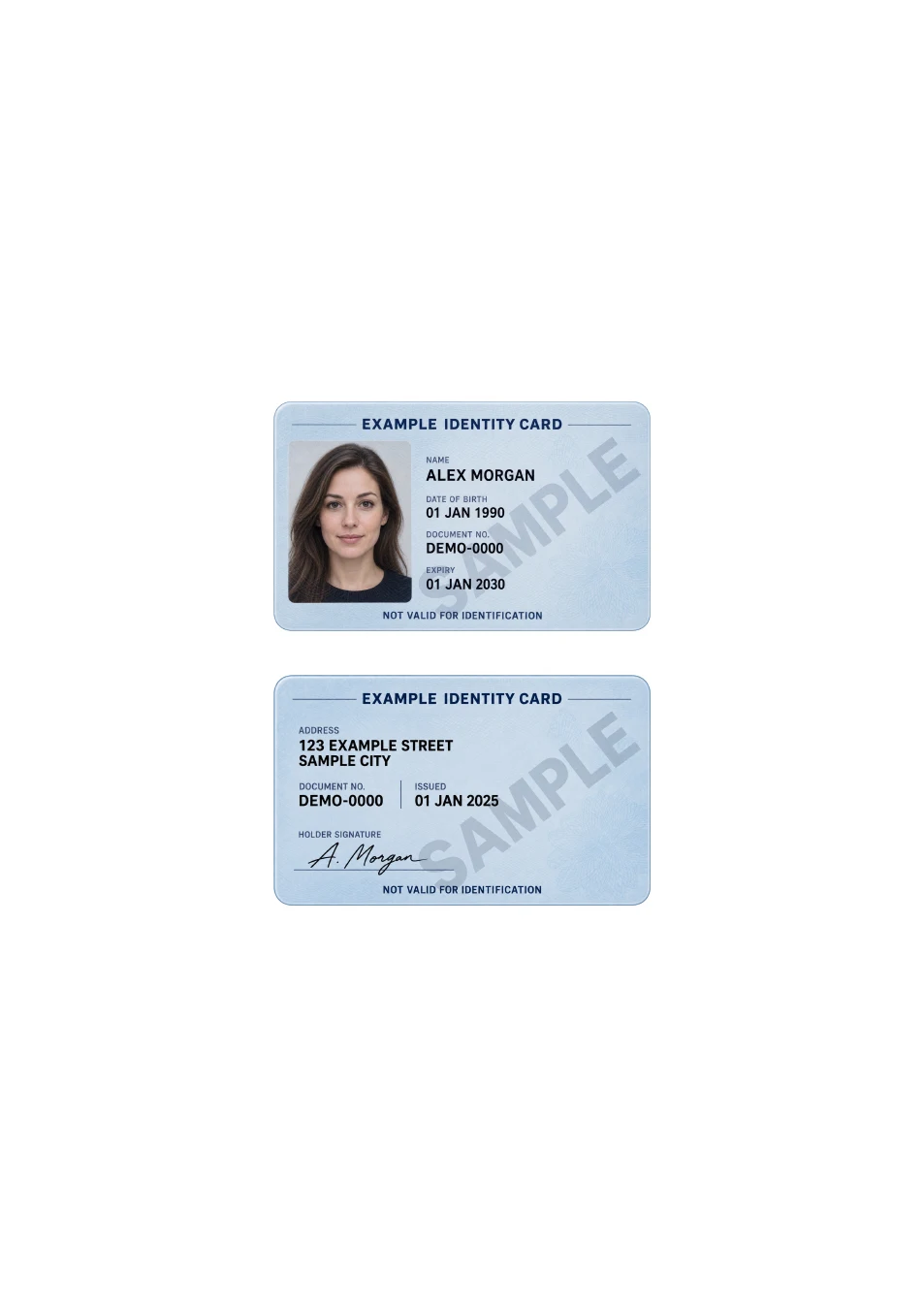
For a front-and-back PDF, check the page count, side order, orientation and readable text. A small thumbnail can hide a missing side or an older watermark. Give the checked copy a recognizable filename on your device. In the receiving form, select that file and check the attachment name before submitting.
If the file is missing, return to the tool.
Check the browser's download status and the chosen folder first. If no saved copy is available and the editor still has your images, generate the file again and follow the save steps. After a reload, you may need to select your original images again. Keep those originals available. Repeated scanning and document organization are also available in the separate IDPouch app.