 IDPouch for iPhone & iPad
Scan your IDs.
Keep them together.
Save IDs and passports in one place. Make a copy, add a purpose watermark, and find it again when you need it.
Free to download · In-app purchases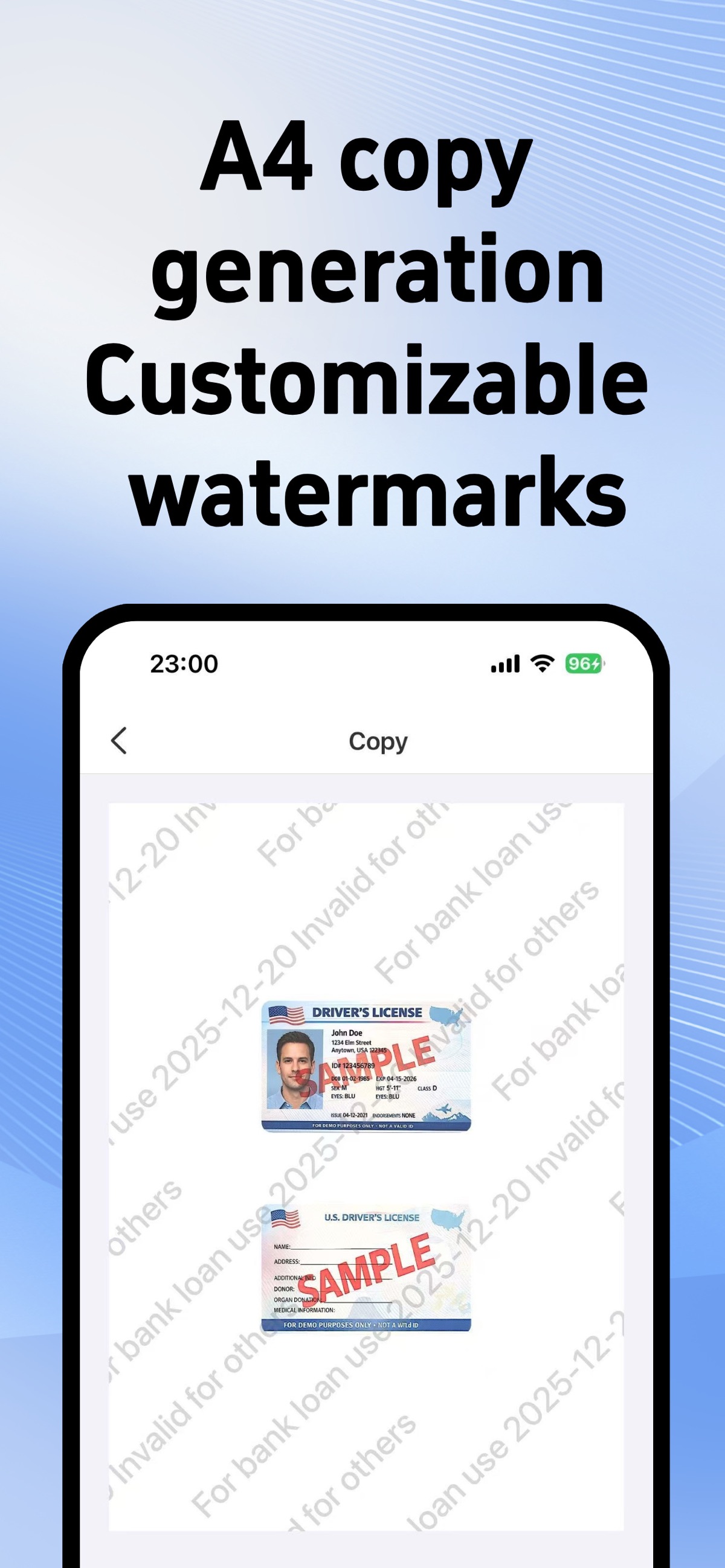
Actual App Store screens · English interface
A little order.
A lot less hassle.
From the first scan to the next time you need it.
A home for the documents life keeps asking for.
A good scan. A better start.
IDs, passports, bank cards and more. Capture a clear copy, adjust the edges, and keep both sides together.
Discover IDPouchGive every copy a purpose.
Create an A4 copy and add a custom watermark before sharing. A recipient, a purpose, a little more context.
Discover IDPouchKeep the useful details close.
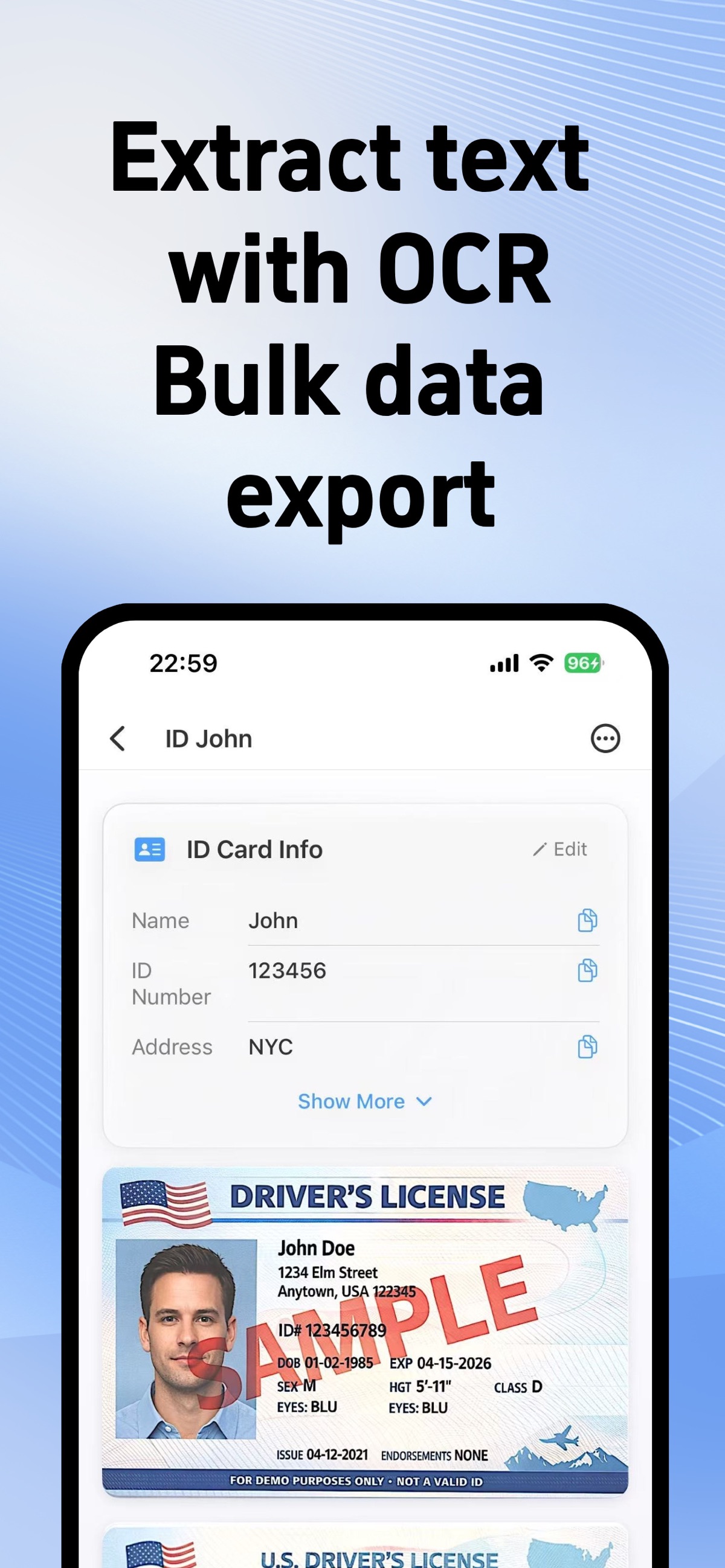
Keep document images and their details together. With OCR, copy recognized text when you need it again.
Discover IDPouchSome features require an in-app purchase.
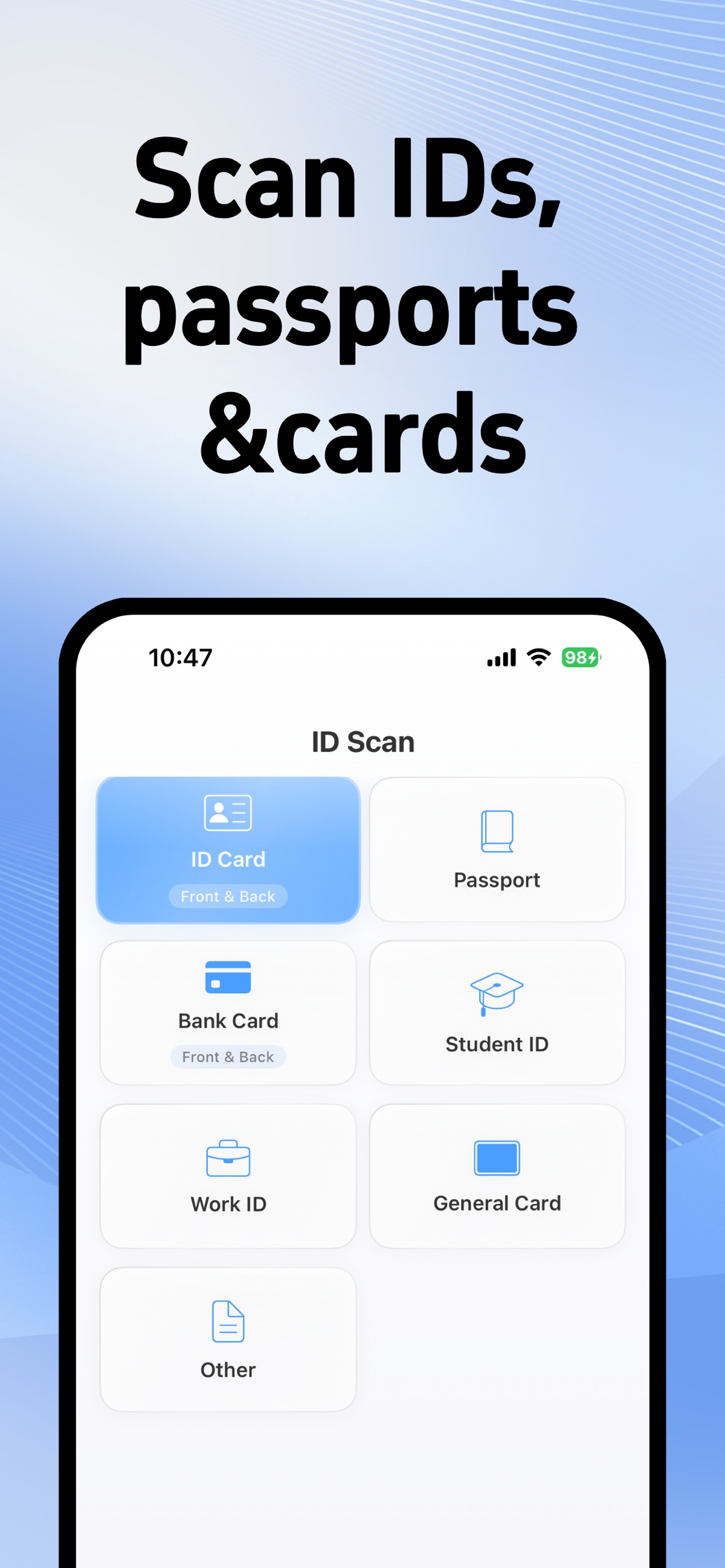
Different documents. One familiar place.
Actual English App Store screens. Documents shown are samples.
A place for the little things
you can’t afford to lose track of.
Scan a clear copy
Capture documents with cropping and image adjustment.
Add a purpose
Mark who a copy is for before sharing it.
Keep things organized
Save documents and find the copy you need again.
Create useful copies
Prepare image and PDF copies from your documents.
Remember expiry dates
Set document dates and local reminders with the app’s available options.
Protect access
Use the app’s biometric or passcode protection options.
Your next copy is closer.
For iPhone and iPad. Free to download, with in-app purchases.
Download on the App Store
The free web tools
are here, too.
Watermark an image or put both sides on one PDF page, free in your browser.
Explore the free toolsBefore you download
Which features are free or paid?
The app is free to download and offers in-app purchases. Feature access and current prices are shown in the app and by the App Store. The browser tools remain free to use and export.
Will my website session appear in the app?
No. Selected images and watermark settings do not automatically transfer from this website. Installing the app does not recover a browser session.
Is there an Android download?
This overseas website currently links to the iPhone and iPad app. Android users can use the free browser tools here. We do not list a Google Play download on this site.
How does the app handle data?
The app’s core document processing is on-device. Purchases, optional backups and usage information have separate data handling. Review the current privacy information and policy linked from its App Store page.