
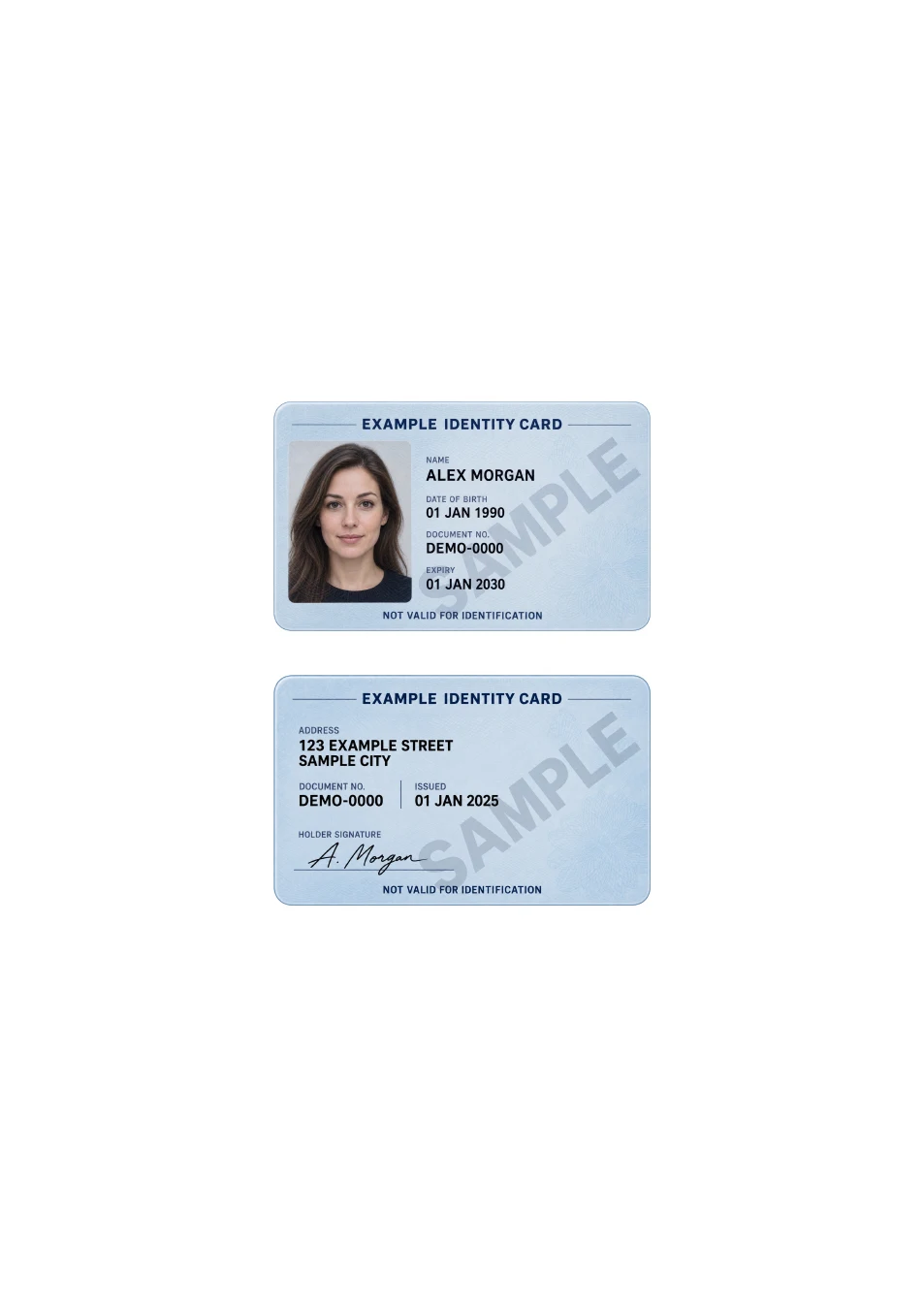
Rotation, cropping and resizing solve different problems.
Rotate a photo when the document is sideways. Crop it when a large part of the image is empty table or background. Resize it when the receiving form requires different pixel dimensions or a smaller file. Changing paper size in a PDF does not perform all three operations. Start with the problem you can actually see.
Crop a separate copy before importing it.
Open a copy in your photo editor and trim the surrounding background. Keep every required document edge and detail visible. A badly angled photo may need perspective correction in a suitable editor or a new photograph. The IDPouch browser tools do not automatically crop or correct perspective; prepare the source image first.
Rotate each side until the text reads upright.
Add the front and back images to their separate slots in the PDF tool. Use the rotation controls on whichever side needs adjustment. Use Swap if the sides are in the wrong order. Rotating turns the entire source image; it does not remove background or change the words on the card.
Understand why a card can look too small.
ID-1 mode fits the entire image inside a card-sized box. If your image includes a large border of table, that border also occupies the box and the card itself appears smaller. Crop unnecessary background first. Fit page deliberately enlarges images and is unsuitable when the recipient requires an actual-size card print.
Check the downloaded page before sharing it.
Open the saved PDF outside the editor. Confirm the page count, front-and-back order, upright text and complete edges. Inspect small text and the portrait at a useful zoom. If required details were cut off during cropping, return to the original photo; enlarging the PDF cannot bring them back. Confirm the recipient accepts the layout and file size before submitting.