
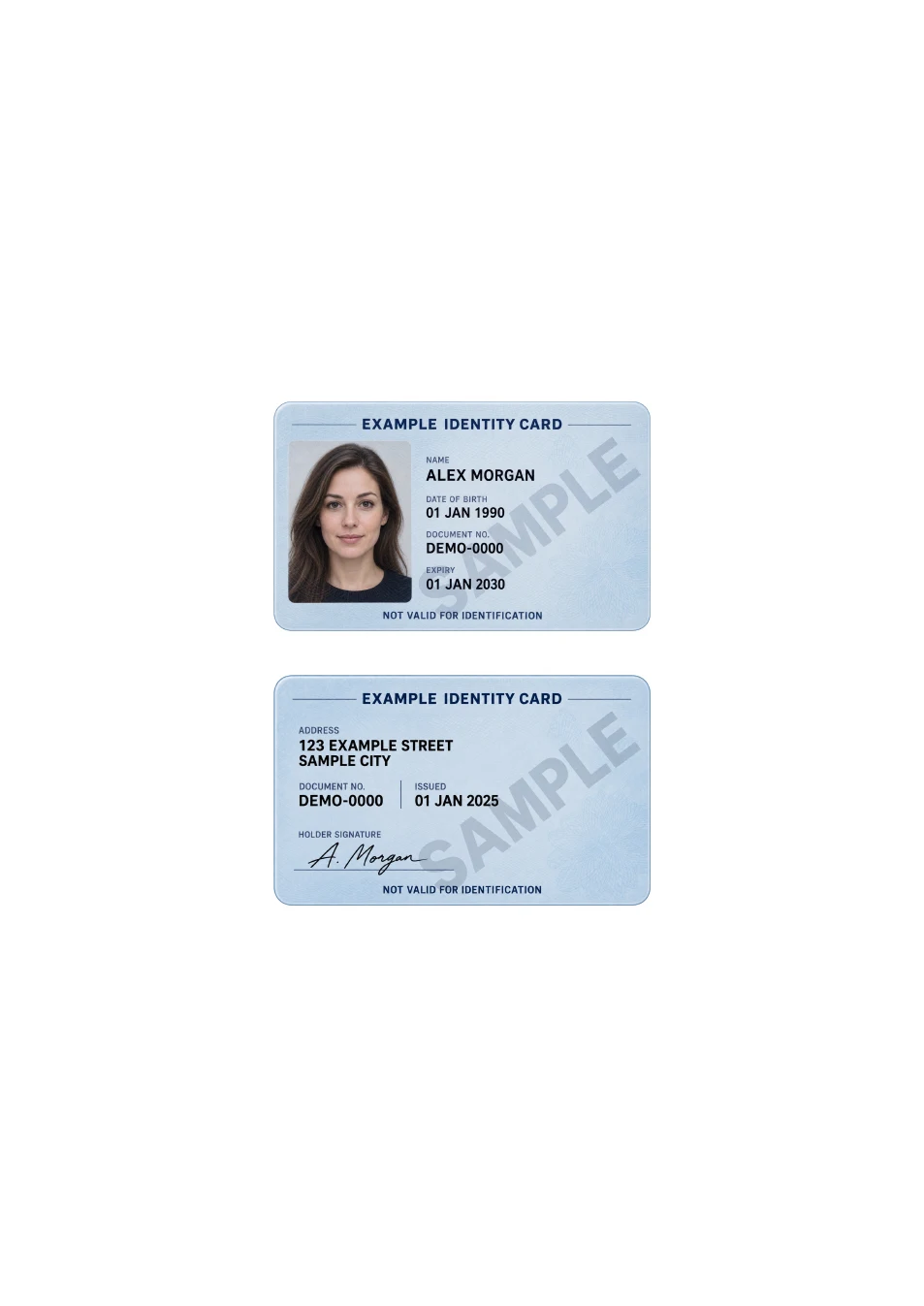
Card size and paper size are different settings.
For an ID-1 card copy, use a card-sized layout in the PDF and print it at 100% or Actual size. Choosing A4 alone does not set the card dimensions: A4 describes the sheet, while ID-1 describes the card box on that sheet.
ID-1 nominal dimensions are 85.60 × 53.98 mm. This is not the size of every identity document or passport. The tool fits the full image inside that box without stretching; images with different proportions can appear smaller.
Crop close to the card before making the PDF.
A photograph with a large table or background around the card includes that background in its dimensions. Fitting the whole photo into a card-sized box then makes the actual card too small. Crop to the document edges first, while keeping every required detail.
Use the same orientation for both sides unless the recipient asks otherwise. This browser tool arranges existing images; it does not find edges or crop a photograph automatically. If you need a new scan, the IDPouch iPhone app offers a separate scanning workflow.
Place the front and back on one PDF page.
Add both images to the ID card to PDF tool. Choose A4 or US Letter to match the paper you will load, keep ID-1 card selected, and pick top-and-bottom or side-by-side placement. Rotate or swap the sides before downloading.
Fit page is a different mode: it enlarges images to use the available page area. Use it for a larger reading copy when accepted, rather than expecting a card-sized print.
Check the print dialog instead of trusting the preview.
Open the downloaded PDF in your PDF viewer. Match the printer paper to the PDF sheet and look for Actual size, 100%, or the equivalent scale control. A Fit or Shrink setting can change physical dimensions. Print-dialog labels and available controls vary by viewer and printer.
If your phone does not expose a scaling control, do not assume it will preserve the PDF size. Use a viewer or computer that lets you set and check scaling, then print a single test page. On-screen zoom does not tell you the physical print size.
Measure the paper copy and review the details.
Compare the printed card width and height with a ruler and check that both sides are readable. If the card is too small, first inspect the source image for background; if the entire layout changed size, inspect print scaling and paper settings.
A test print checks your own setup. It does not certify the copy or guarantee that an organization accepts it. Keep the original document and follow the recipient’s requested format.