
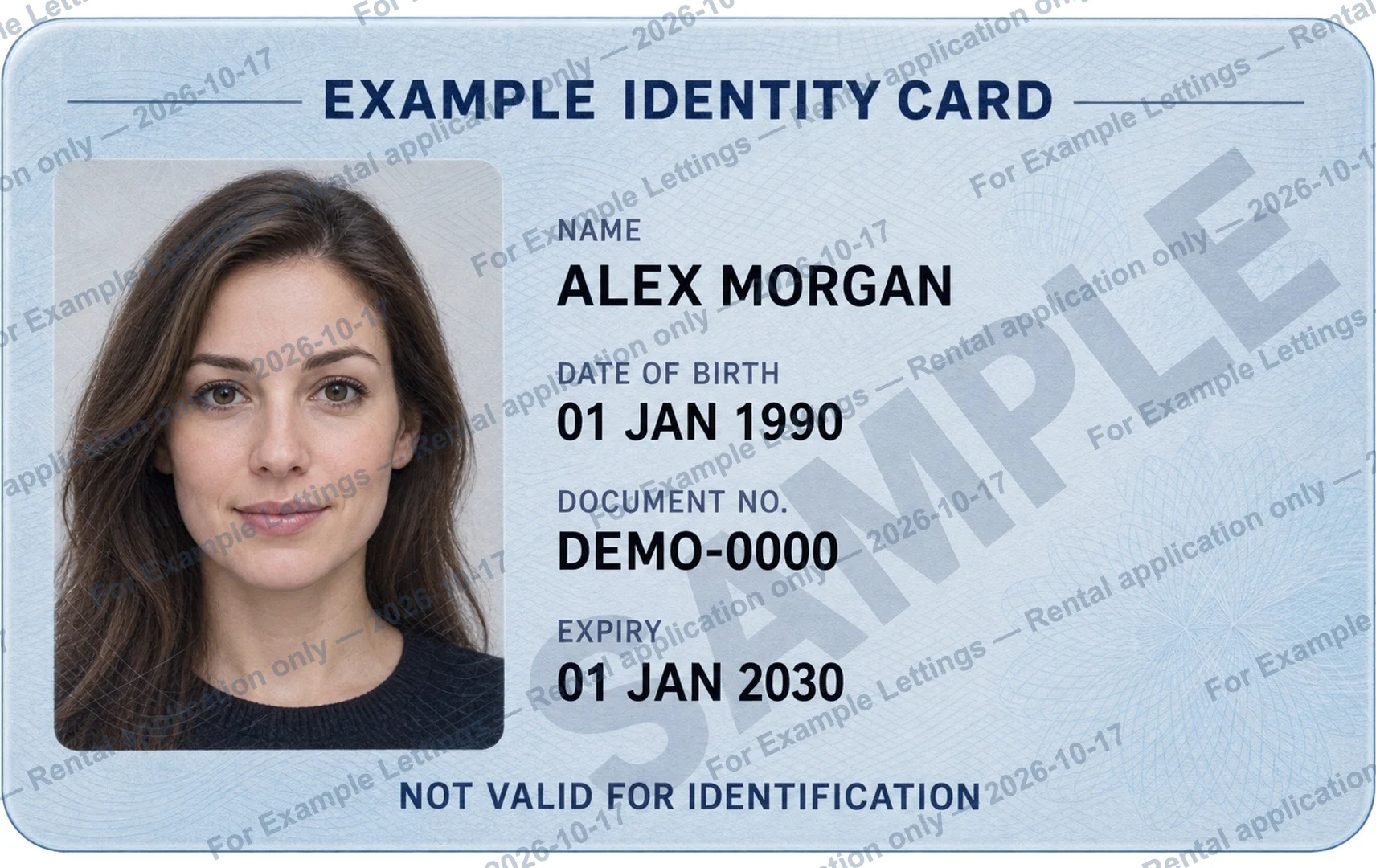
Make the wording specific to this handover.
For an ID watermark, name the recipient you have verified and the specific purpose of the copy. Add a date if useful. Start with the template below and replace every bracketed field. Keep it short enough to read on the exported image; a generic “COPY” or “For verification only” leaves the handover unclear.
For [Recipient] — [Purpose] only — [Date]
Check whether the recipient accepts a marked copy.
A suitable watermark for one request may be rejected in another process. Ask what must remain visible and whether the receiving system accepts added text. Do not assume a rental application, account opening or employment check has the same rules everywhere. Keep the unedited source separately so you can prepare the version actually requested.
Compare one mark with a repeated pattern.
A single mark can keep the image less busy; a repeated pattern spreads the message across it but may cover more text. The current browser tool lets you change repetition, angle, text size, color and opacity. It does not offer free dragging to any position. Use the preview to judge this document, rather than copying one universal setting.
Keep required information readable.
Check the portrait, document number and any other details the recipient needs. Lower opacity makes the watermark lighter; raising it makes it stronger. Adjust angle and text size if letters cross important details. Zoom in, then compare with the original. A visible watermark is a label, not encryption or a guarantee against editing and misuse.
Review the export, not only the live preview.
Export a new JPG or PNG and open it outside the tool. Check spelling, leftover placeholders, image edges and readability at a useful zoom. If you also need both sides on a PDF page, use the PDF tool’s own optional watermark rather than marking each photo and then adding another repeated layer. Keep your original unchanged.