
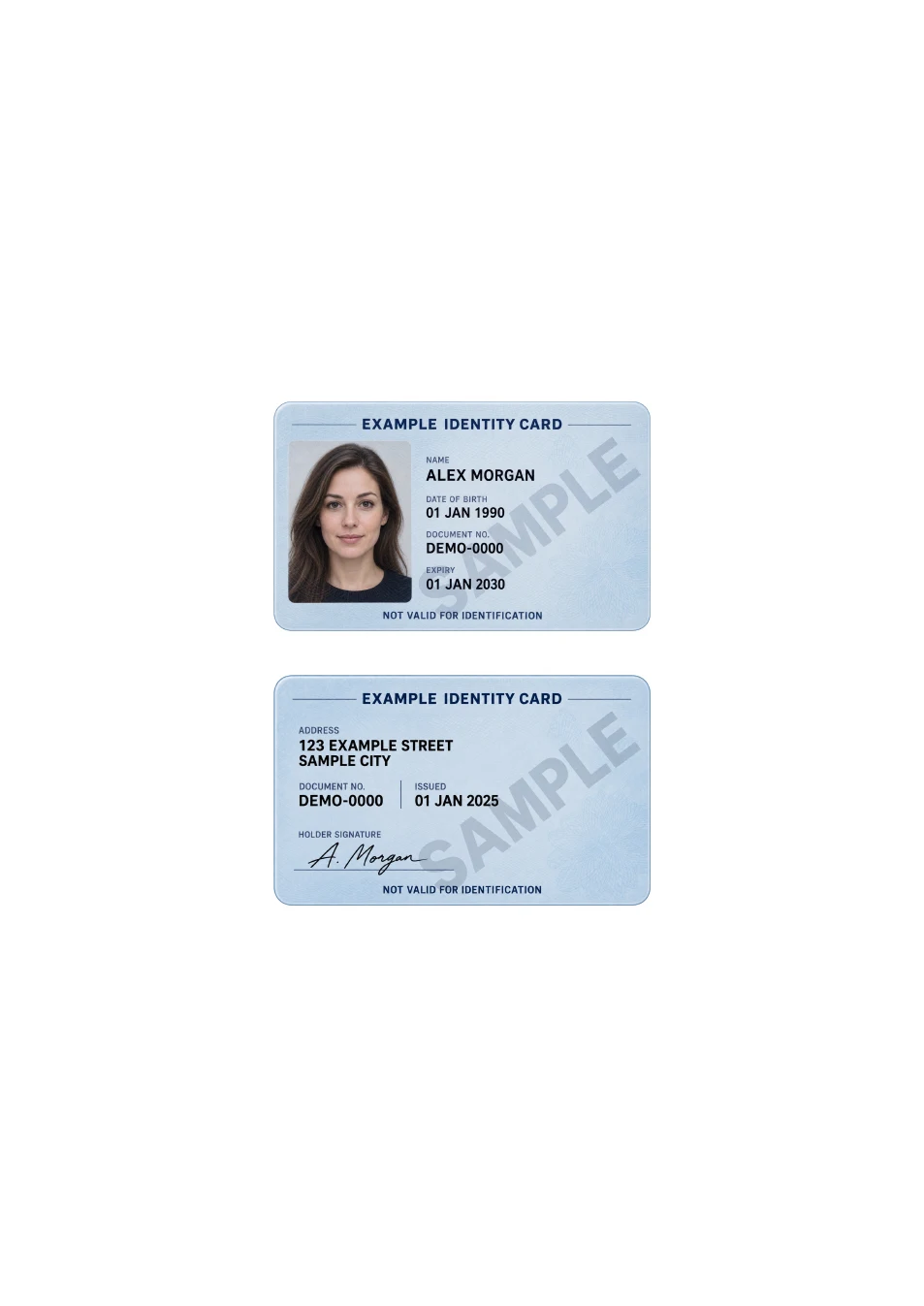
Read the exact error before changing the file.
If an ID photo is too large to upload, first record the accepted formats and maximum size shown by the receiving form. A 2 MB limit describes file bytes, while a 2,000-pixel limit describes image dimensions. Check whether the limit applies to each file or the complete submission; these are different problems.
Inspect the file you actually selected.
Look at the file information in your file manager and reopen that exact version. A preview may look small on screen while the file remains large. Renaming .heic to .jpg or .jpg to .pdf does not convert its contents. If the format is unsupported, create a genuine converted copy using a compatible editor.
Choose an accepted format before exporting.
For a photo, JPG may be smaller than PNG, but compare the actual exports rather than assuming. If a one-page PDF is requested, the PDF tool chooses the smaller of high-quality JPEG and PNG encodings for each image. It is not a general PDF compressor and cannot reduce an existing PDF or target a fixed KB size.
Reduce unnecessary pixels, not required details.
Crop empty background first. If you still need a smaller image, resize a separate copy gradually with an image editor and inspect the required text and portrait after each export. Avoid repeated heavy JPG compression. Never remove document details merely to meet a size limit; ask the recipient for another accepted method if clarity would suffer.
Retry once with the checked final version.
Give the finished copy a recognizable name on your own device, check its format and size, and select it again in the form. If the same error remains despite meeting the stated limits, stop recompressing blindly. Save the error wording and contact the recipient through a verified channel; the form may have another restriction.