
Start with the upload instructions.
Use JPG when the receiving form asks for an image, and PDF when it asks for a PDF or a fixed page layout. If the instructions allow either, decide whether you need one picture or both sides on one page. The recipient’s accepted formats and size limit come before personal preference.
Check whether the front and back belong in separate upload fields. Combining them into one PDF is useful only when that layout is accepted. A PDF is not automatically more secure, more official or more likely to pass a check.
Choose JPG or PNG for a single marked image.
For a photographed ID or passport page, JPG is often a practical starting point. PNG is lossless and can suit graphics or sharp text, but may produce a larger file. Neither format repairs a blurred photograph; start with a readable source.
The watermark tool exports a new JPG or PNG. Choose the format the recipient accepts, download it once, and inspect the result. Repeatedly saving a JPG through different editors can introduce additional compression loss.
Choose PDF when the page layout matters.
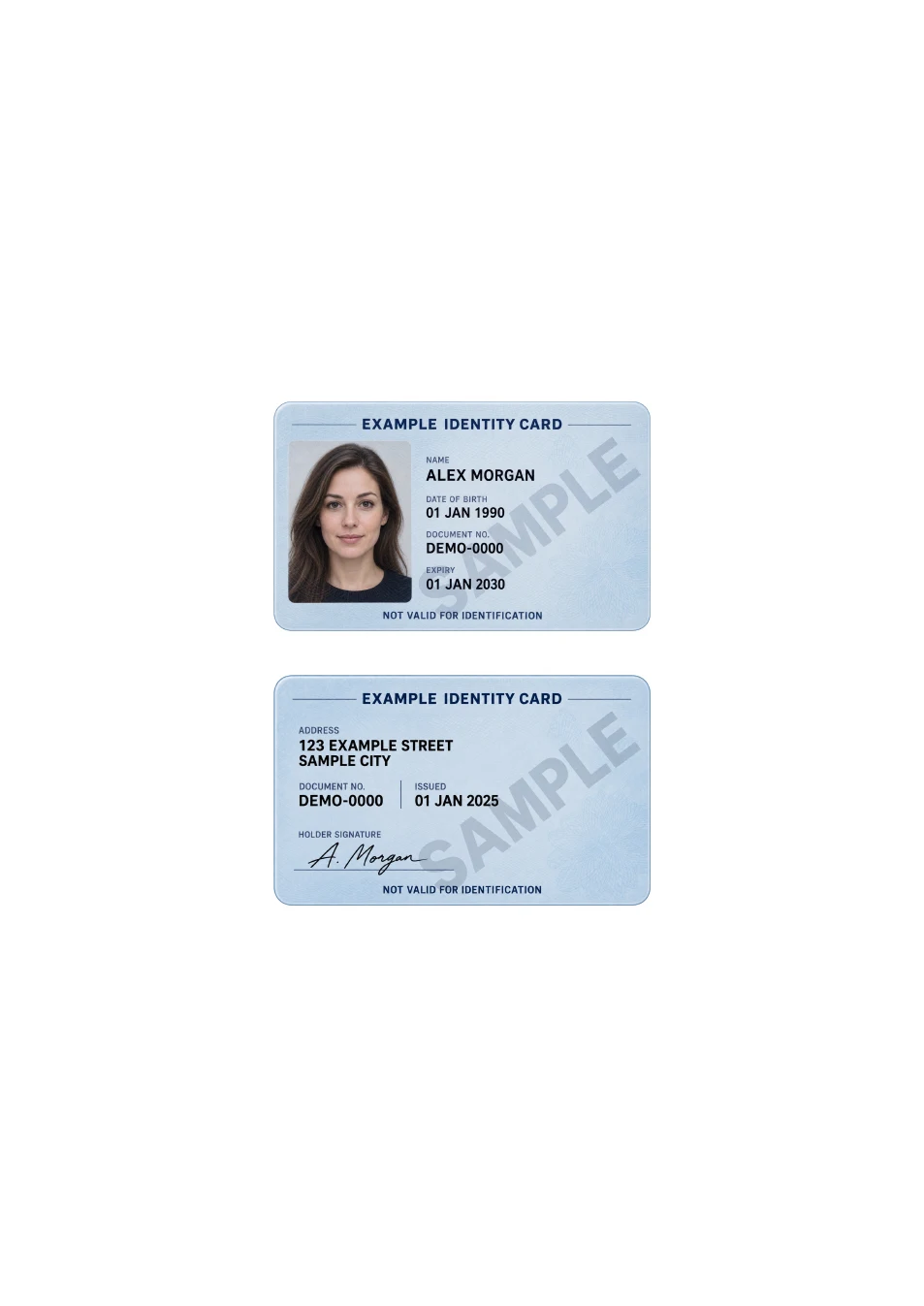
A one-page PDF can keep an ID card front and back together on a defined A4 or US Letter sheet. This is useful when the recipient requests one page or you need a controlled print layout. It is different from merging two PDF pages into a two-page document.
The IDPouch PDF tool starts from two images, preserves their proportions, and offers card size or Fit page. It does not accept existing PDFs as inputs. Preparing a PDF does not turn the images into verified or editable document data.
Check the downloaded size, not just the extension.
Changing a filename from .jpg to .pdf does not convert the file. Also, a PDF containing photos can be larger than its source JPGs. The PDF tool compares high-quality JPEG and PNG encodings, but it cannot promise a fixed file size such as 100 KB.
If the form rejects the download, read the exact limit and check the file you actually selected. Start again from a clear, closely cropped image if necessary. Avoid reducing quality so far that the portrait or required text becomes unreadable.
Use one final check for either format.
Open the saved file, check orientation and required details, and confirm any watermark is accepted. For PDF, also check the page count and paper size. Send the finished copy through the verified submission channel and keep your unedited original separately.